Show your Mac a task once, never do it again
OpenAI Codex Record & Replay, and 7 things I’d point it at
A lot of you commented “record” under the video, so here’s the promised writeup: how to set this up, and a long list of tasks worth handing off.
Quick reality check before you get excited. Record & Replay is macOS only right now, and the launch skips the EEA, the UK, and Switzerland. You also need Computer Use turned on. No Computer Use, no Record & Replay.
The idea is simple. Instead of writing a prompt that describes some fiddly multi-step task, you just do the task once while Codex watches. It turns that recording into a reusable skill you can run again later with different inputs. Good for the stuff that’s easier to show than to explain, or that depends on your own preferences and naming and little decisions you’d never finish typing out.
Setup
1. Record the workflow
- Open Plugins in the Codex app.
- Hit the + menu and pick Record a skill.
- It suggests a prompt. Read it, add any context that helps (your goal, which inputs change between runs), and submit.
- When it asks for permission to record your actions, approve it once you’re actually ready to start.
- Do the workflow on your Mac, start to finish.
- When you’re done, stop from the menu bar, the overlay, or just tell Codex you’re done.
While it records, it watches your actions and the window content it needs to learn the steps. Recording runs until you stop it, so keep it tight and on-task.
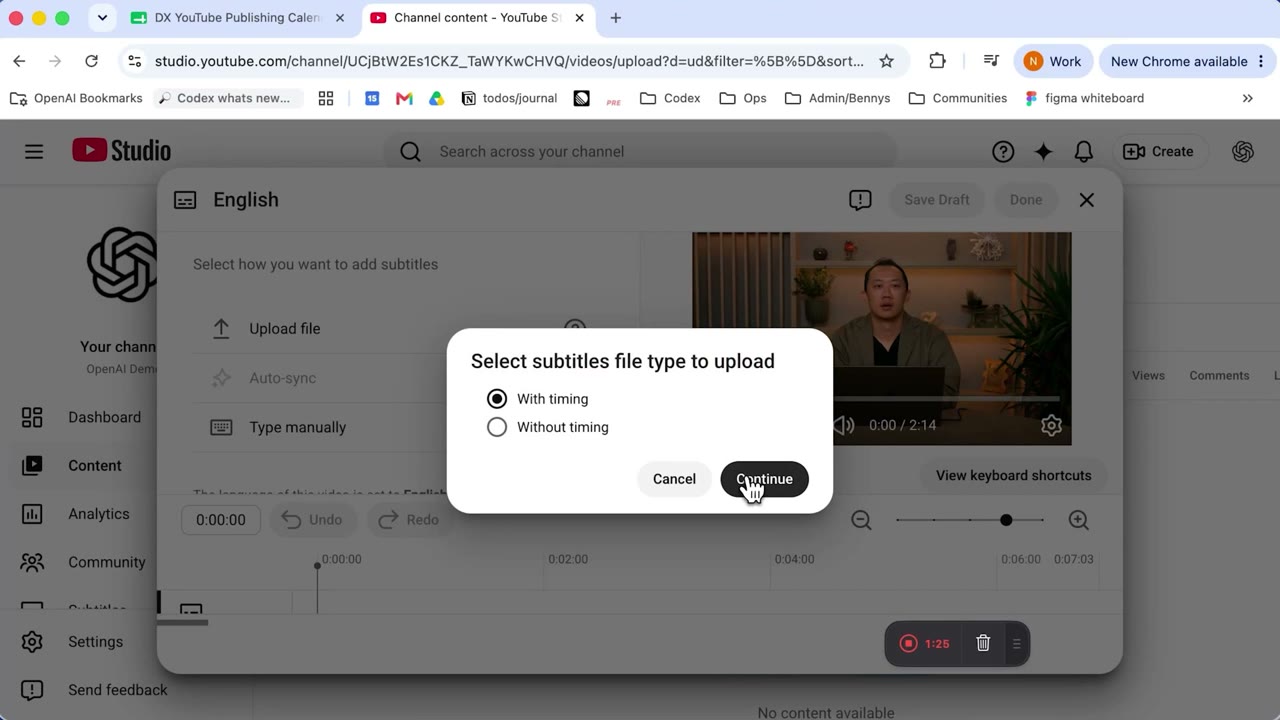
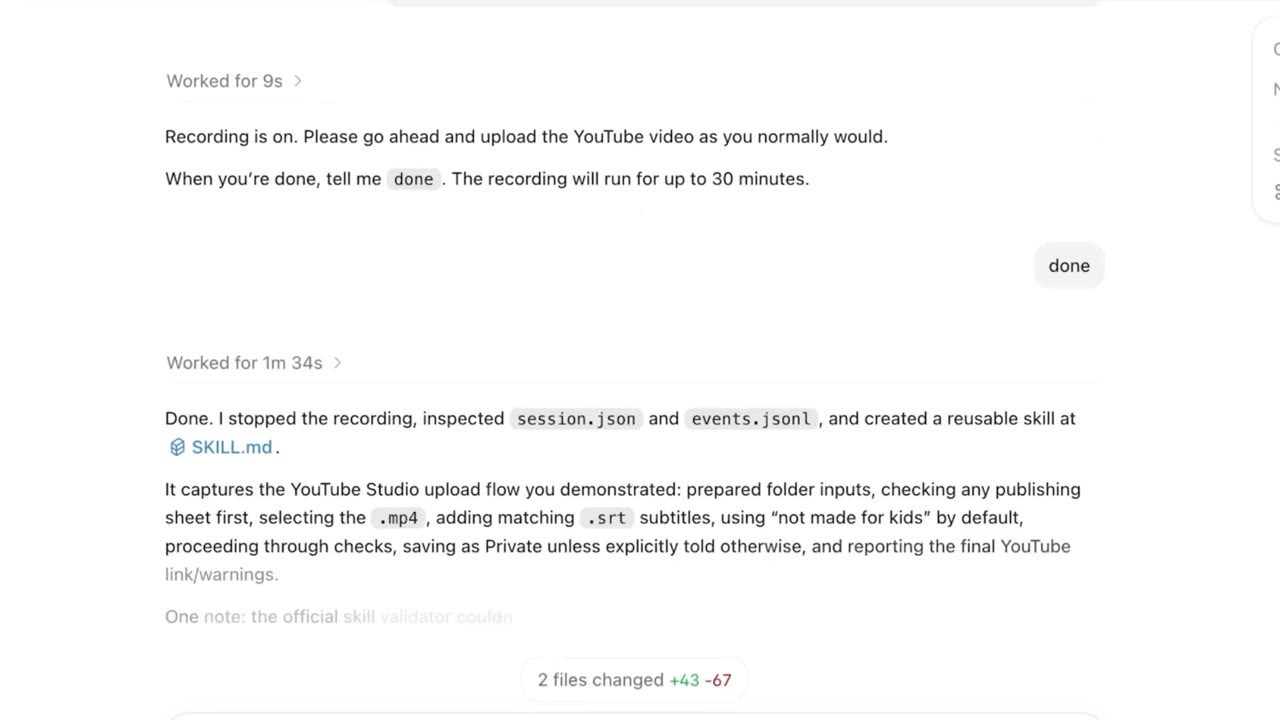
After you stop, Codex looks at what you did and drafts a skill: when to use it, what inputs it needs, the steps, and how to check the result came out right. You can ask it to refine that draft afterward.
2. Replay it
Open a new thread and ask Codex to use the skill you made. Give it whatever’s different this time, like the file to upload or the date range for that report.
It runs the workflow with whatever tools fit the current setup: Computer Use, browser actions, or a connected plugin.
Tips that actually matter
I picked these up from the docs and from getting it wrong a couple times:
- Pick a task you already know how to do by hand. If you fumble it live, the skill learns the fumble.
- Say your goal and name the inputs that vary before you start recording, not after.
- Use real inputs, but keep secrets and sensitive data out of the recording. It’s watching your screen.
- Refine the skill afterward and spell out the hidden preferences, naming rules, default field values, the points where you make a judgment call.
- Stop recording the moment the task is done. Don’t wander into unrelated cleanup, it ends up in the skill.
- When a workflow gets stable enough that you want to share it across a team or bundle several together, that’s when you graduate it into a proper plugin instead.
7 things worth recording
Pick a few. Start with whatever you personally redo every single week, that’s where the payoff shows up fastest.
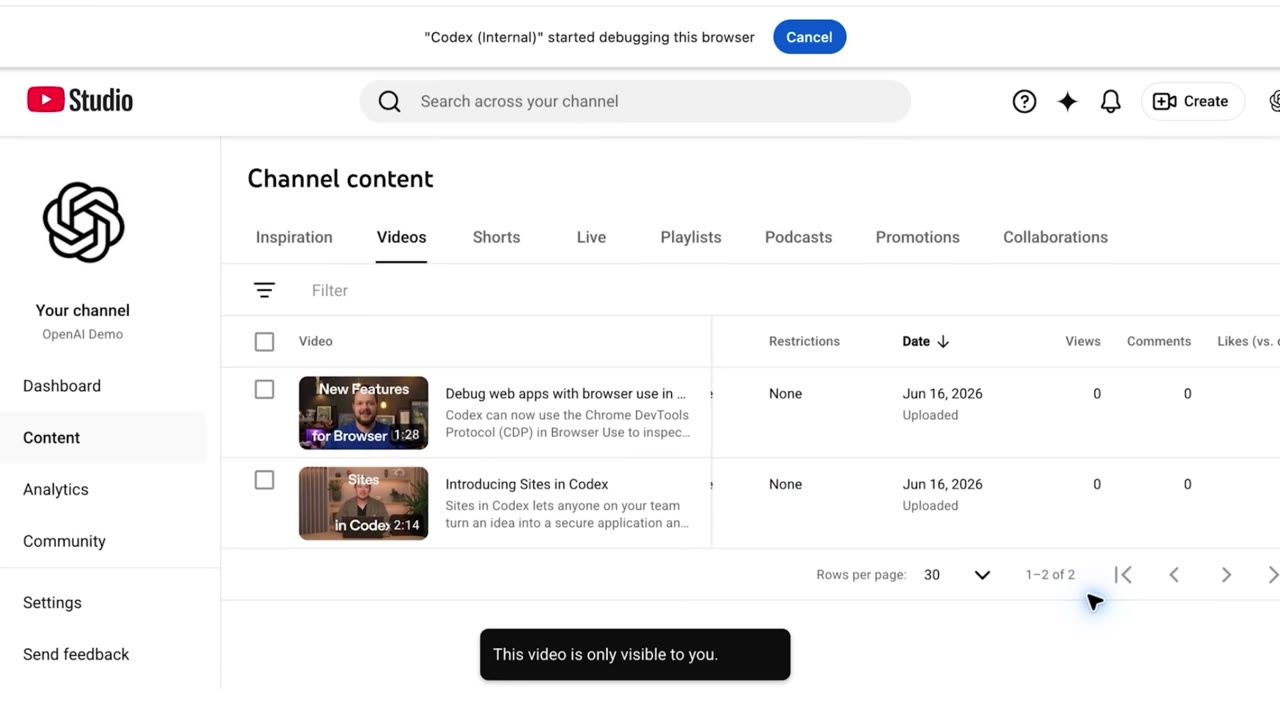
- One video to every platform. Record yourself uploading the same clip to Instagram Reels, TikTok, and YouTube Shorts, with the right caption and hashtags for each. This replaces the paid multiposting tools I never liked paying for.
- One post to every text platform. Same trick for written stuff: push the same thread or update to Twitter/X, LinkedIn, Threads, Mastodon, Bluesky. Each one with its own length and formatting quirks baked in. No more $30/month scheduler.
- Pull the week’s comments off a video and drop them into a doc, so you can see which keyword everyone’s asking for.
- Build the document pack for government services, taxes, or immigration. Every visa renewal or tax filing wants the same set of papers, named a certain way, in a certain order, sometimes in a specific format. Record yourself pulling passports, IDs, statements, and certificates into one folder with the right names and a checklist of what’s still missing. The savings compound with a big family. One person is annoying. Five people times three agencies is a weekend you get back.
- Generate a quote for a client. Show it your price list once and walk through building a proposal: the client’s name, their line items, the totals, your terms. Next time you just say who it’s for and what they want, and it fills the rest. If you’d rather skip the recording for this one, branded commercial proposals are the exact thing I built Hartia to do. Either way, stop retyping the same quote.
- Sort and back up a shoot. After a photo or video session you’ve got a card full of files and no patience left. Record the import once: copy off the card, back up to the cloud, then sort into folders by what’s actually in the shots, keepers apart from rejects, named so you can find them in a year. Replay it after the next session and the boring part is done before you’ve made coffee.
- Download a year of bank statements. Log in, go to statements, pull each month as a PDF, save it named by month, repeat for the whole year. Tedious enough that people put off taxes over it. Record one month and it does the other eleven. The savings compound if you’re juggling several accounts, since it’s the same dance per bank.